
Book a stay in 4 simple steps.
Free for guests · Nothing paid online · Pay the owner on arrival
You need a free guest account to book
- 1
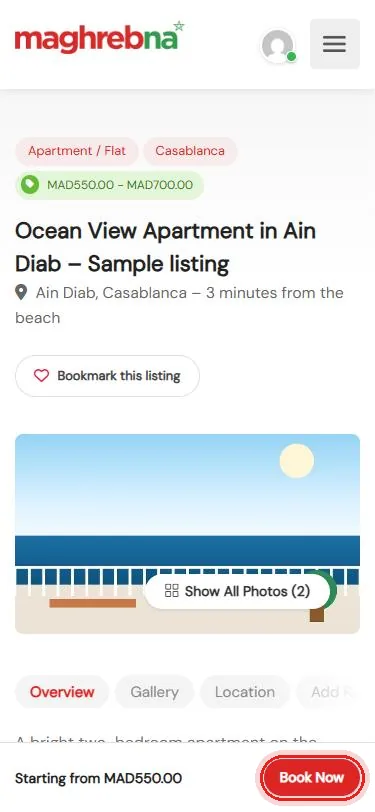
Find a place
Open a listing and tap Book Now
- 2
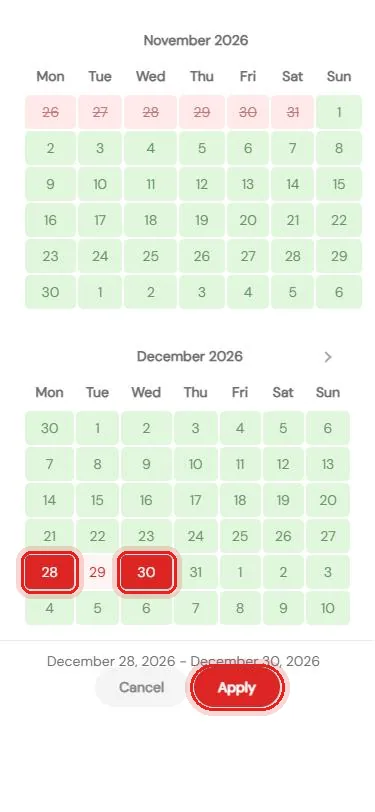
Pick your dates
Check-in and check-out, then Apply
- 3
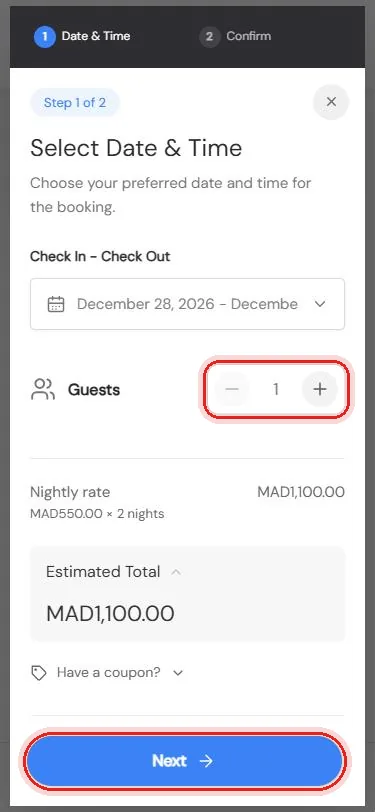
Check the total
Set the guests, then tap Next
- 4
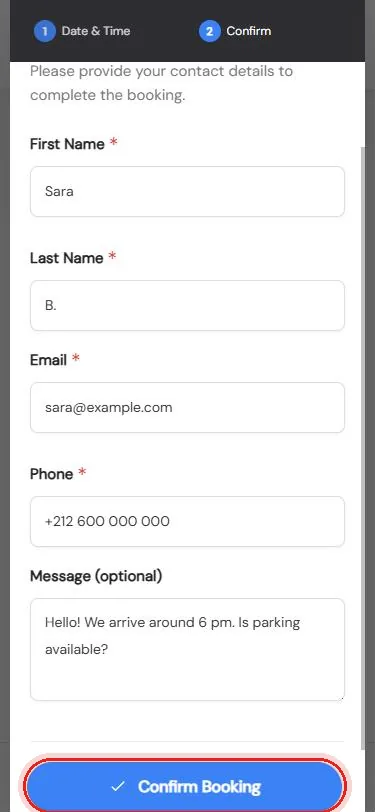
Confirm
Add your details and tap Confirm Booking
Questions before you book? We’re happy to help.
Questions
When is my booking confirmed?
The owner checks your request. You get an email as soon as it is approved.
How do I pay?
You pay the owner directly, usually on arrival. Nothing is paid online.
Where can I see my bookings?
In My Account → My Bookings.
Can I ask the owner something first?
Yes. Use Message Vendor on the listing page.