
List your apartment, villa or riad in 5 simple steps.
Free for 6 months · 0% commission · Guests pay you directly
You’ll need: your ID · proof of ownership · a few good photos
- 1
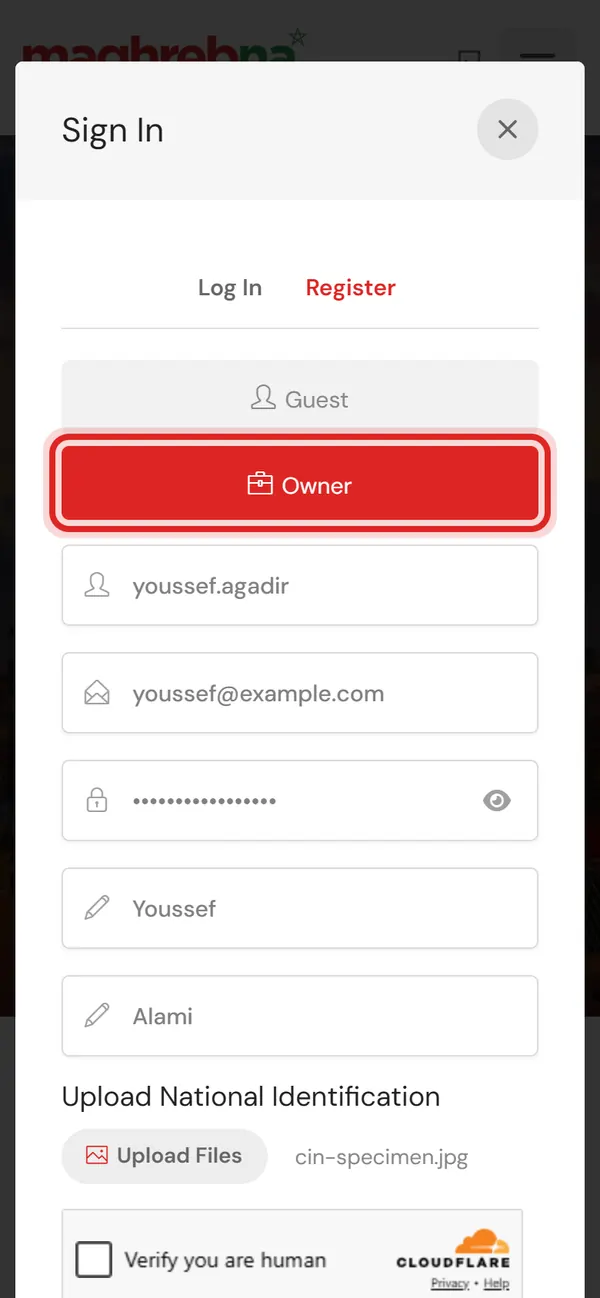
Create an account
Sign in → Register → Owner
- 2
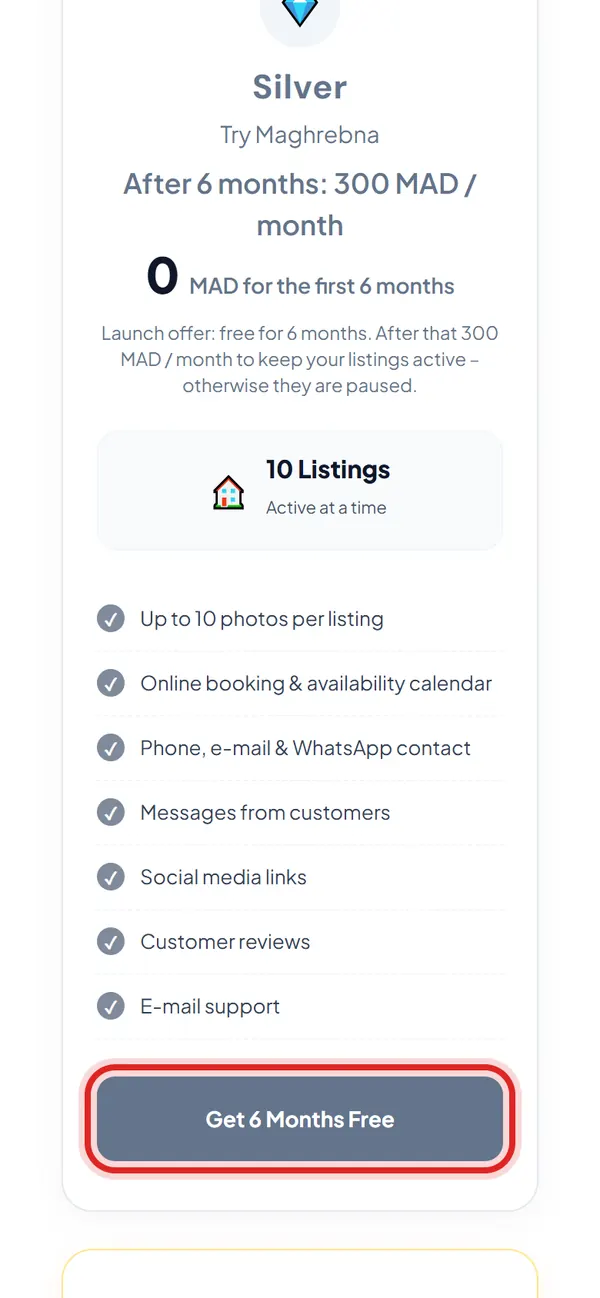
Pick the free plan
Silver: 0 MAD for 6 months
- 3
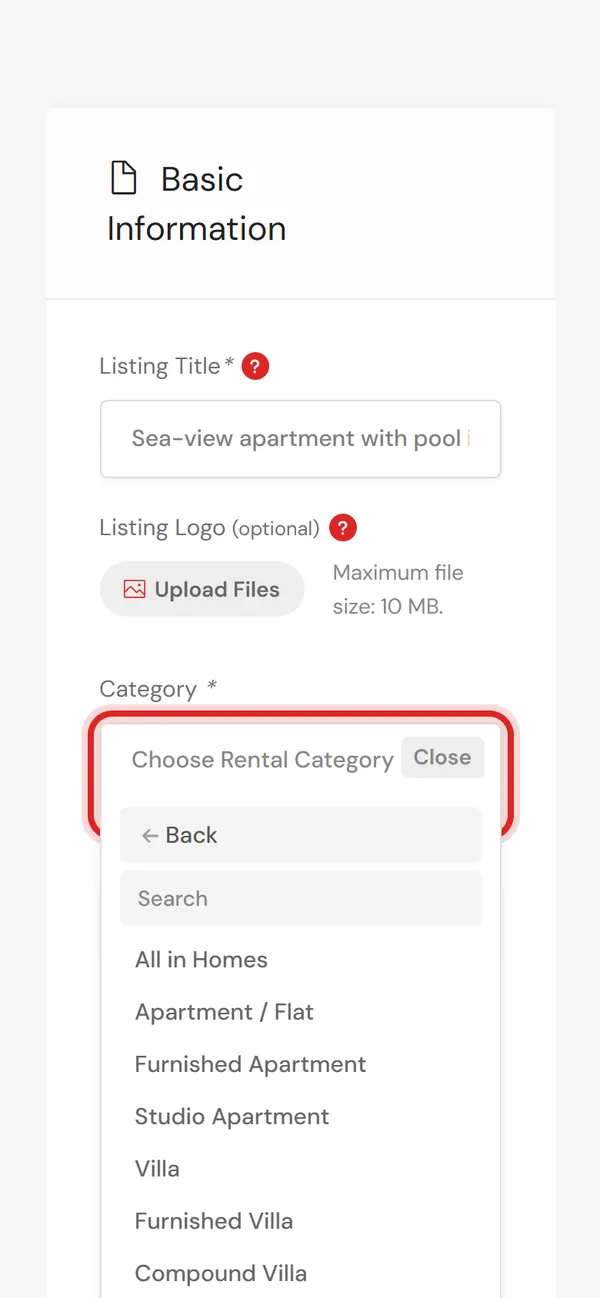
Describe your place
Title, category, description
- 4
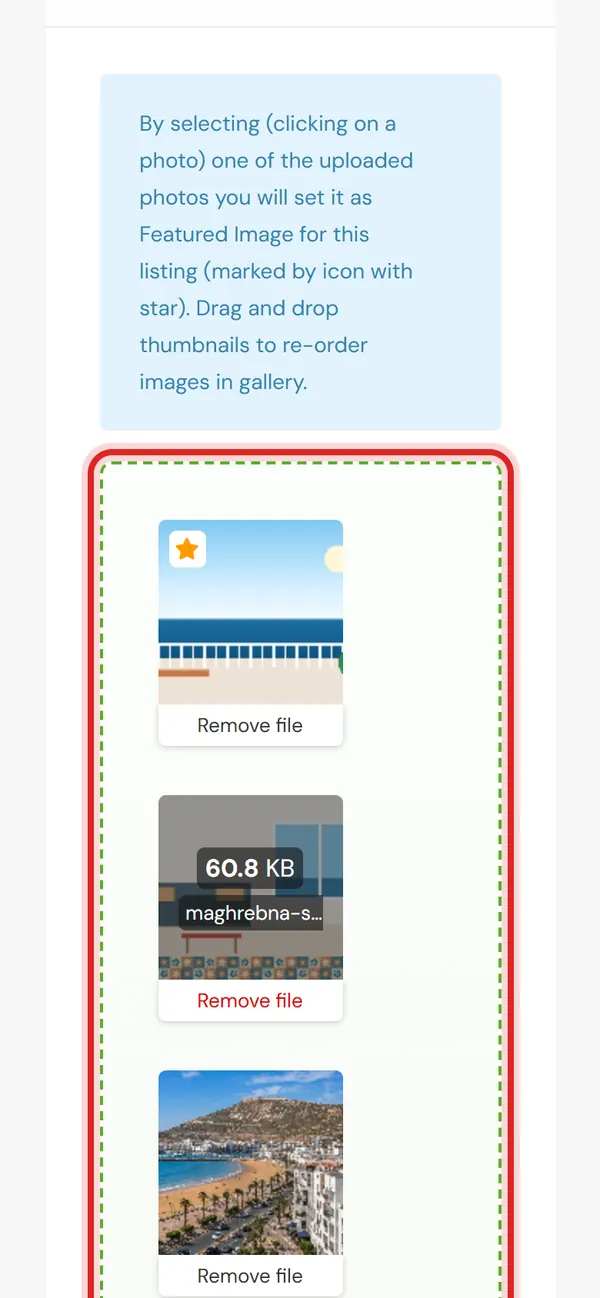
Add photos & price
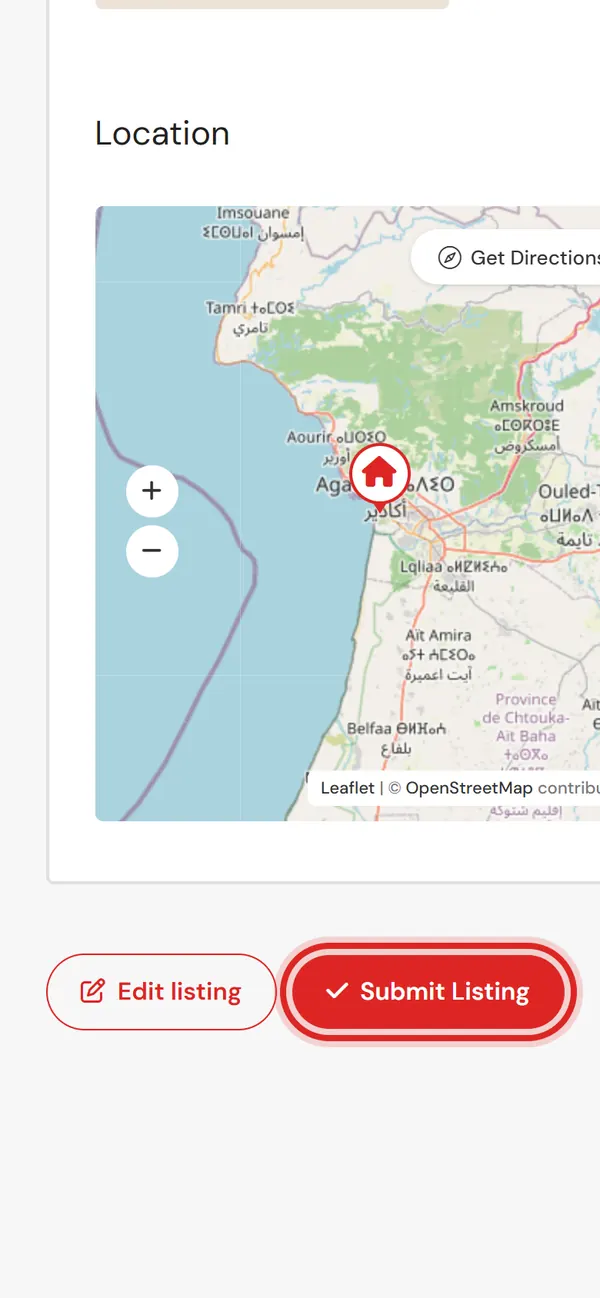
Plus location and free dates
- 5
Submit
We check it and publish it
Prefer that we do it for you? Send us your photos, address and price.
Questions
Is it really free?
Yes, free for the first 6 months. After that, Silver is 300 MAD a month. No commission, ever.
How do I get paid?
The guest pays you directly, usually on arrival.
Who sees my ID and documents?
Only Maghrebna’s administrators. They are never shown on your listing.
Do I have to accept every booking?
No. You accept or decline each request in your dashboard.